
WhatsApp Desktop
WhatsApp Desktop is the official WhatsApp app for Windows, letting you chat and call from your PC with the account on your phone.
339.2 MB
Camo Studio is Reincubate's desktop app that turns an iPhone, iPad or Android phone into a high-quality webcam for a Windows PC or Mac.
Average 0.0 · ratings: 0
Thank you! Your rating is saved; you can change it. Could not save the rating. Please try again later. Too many ratings from your network today. Please try again tomorrow. The average appears after 5 ratings.
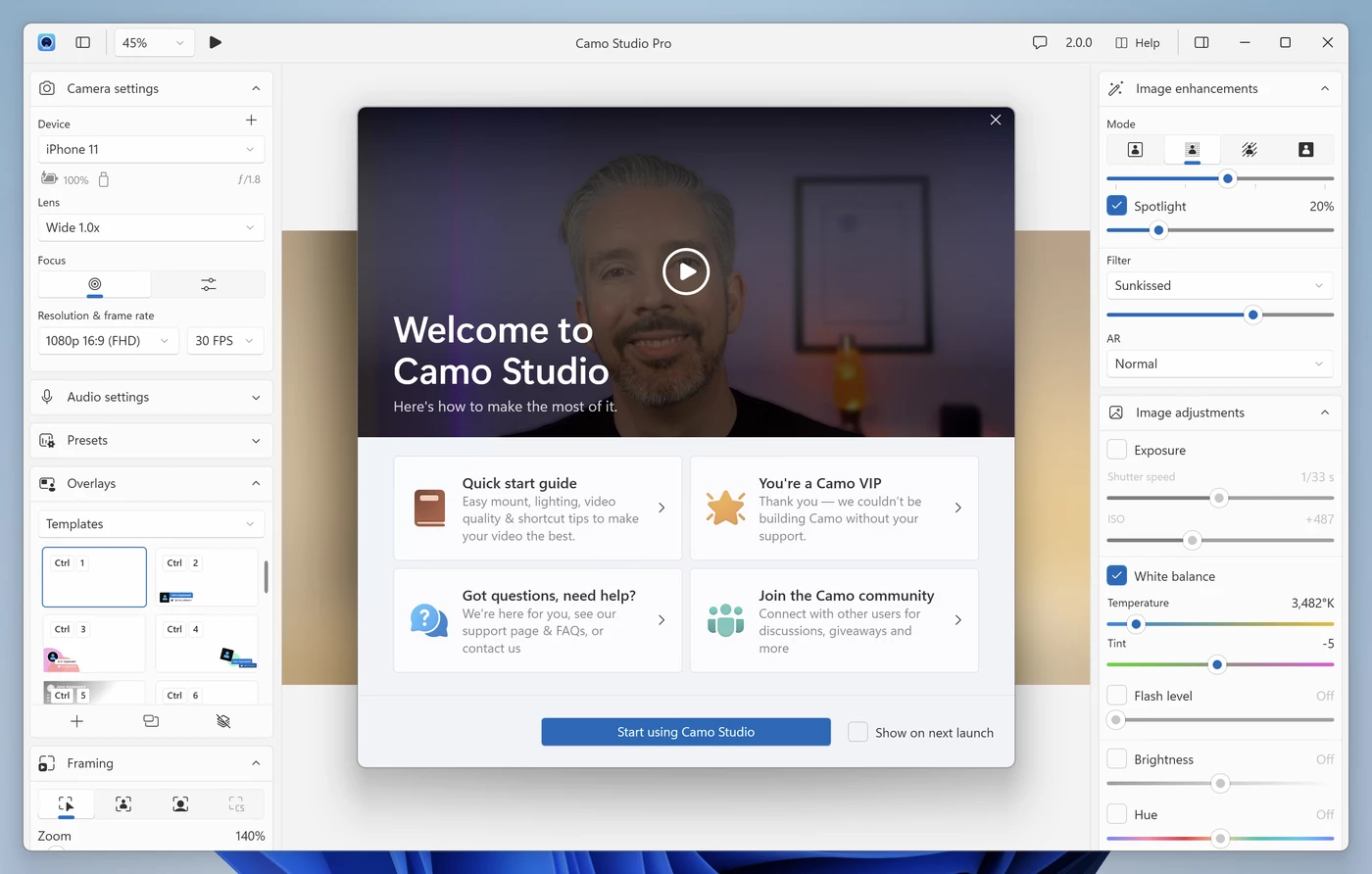
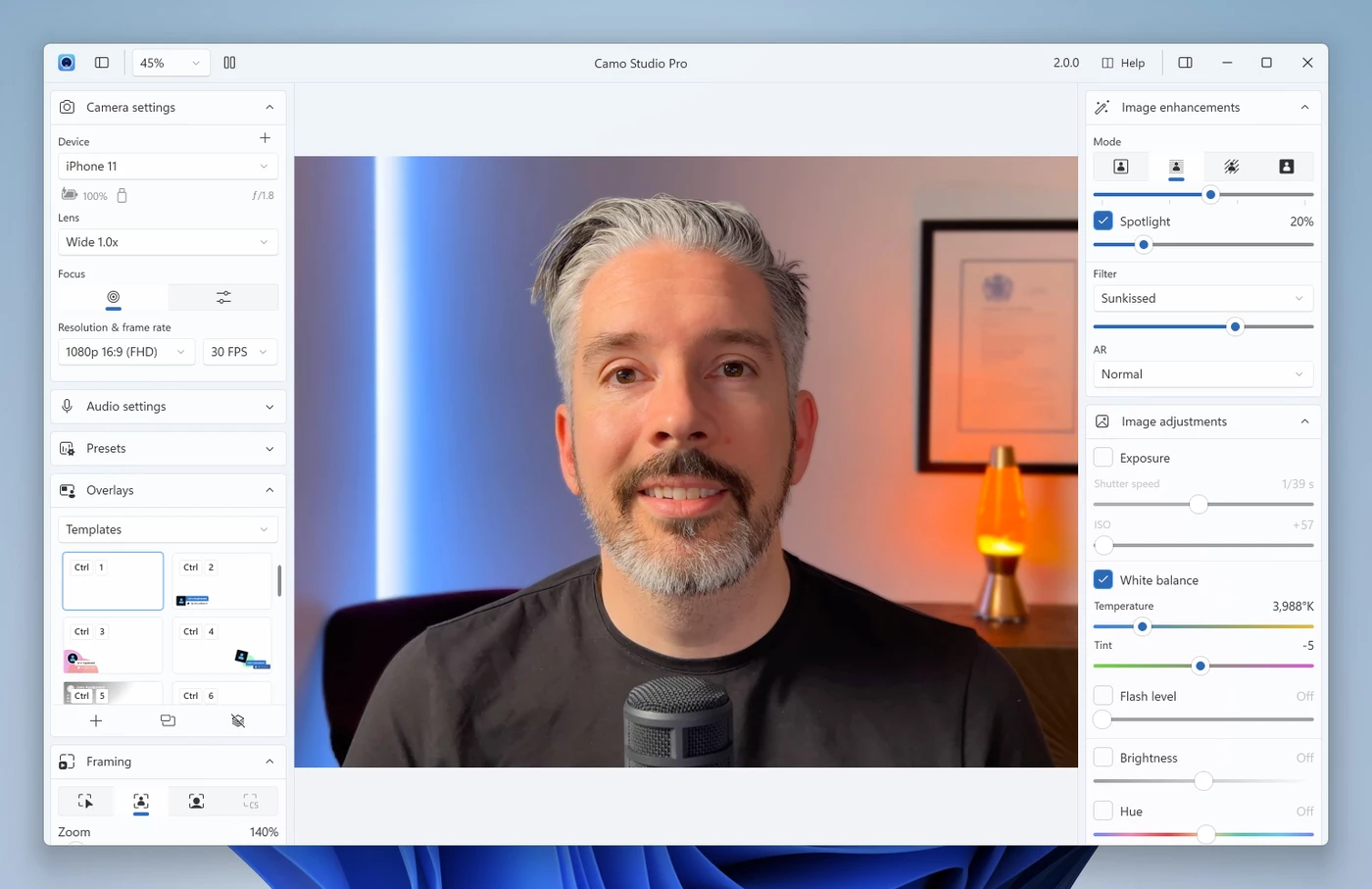
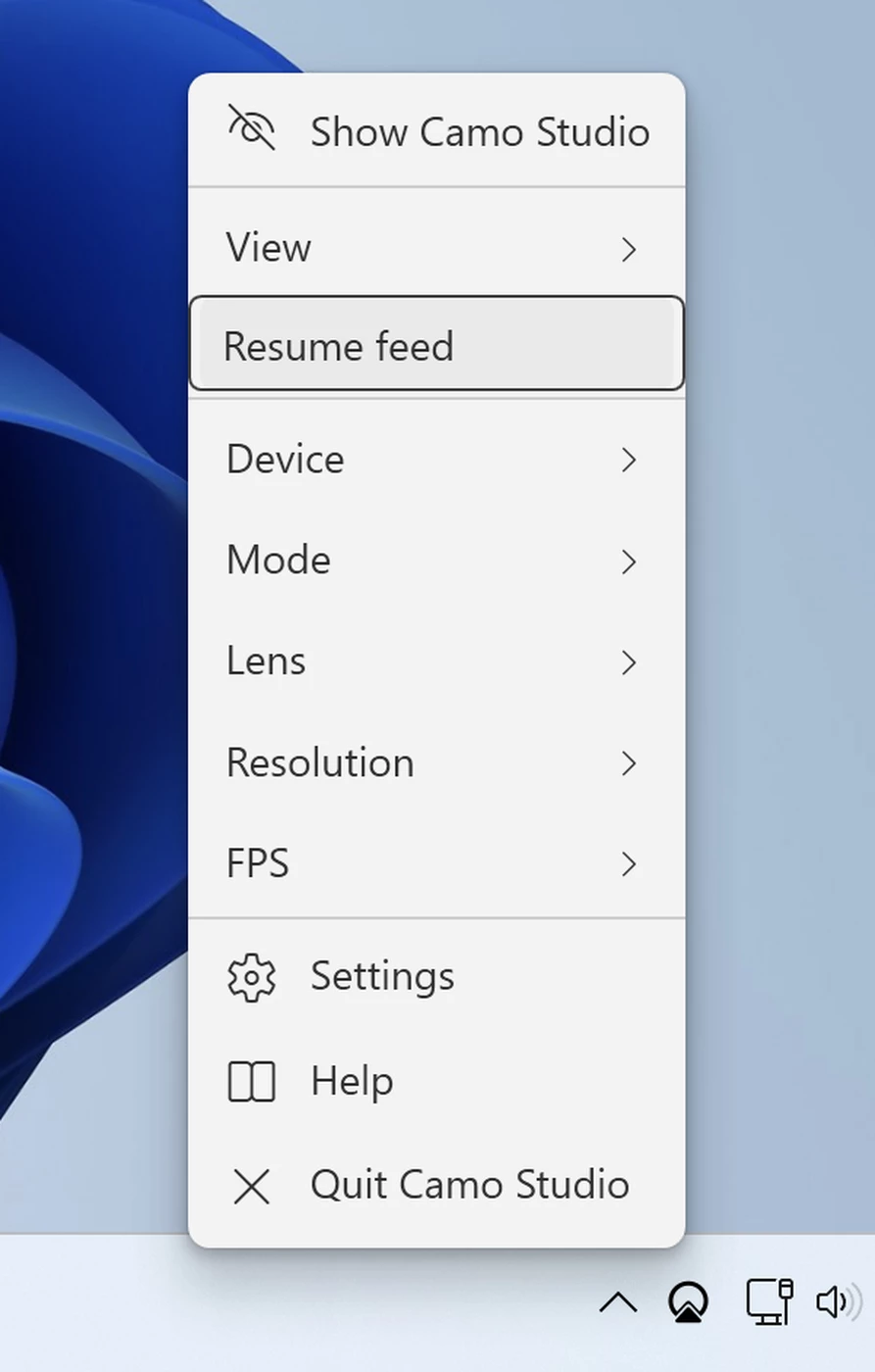
Camo Studio 2.8.1.24340 is a desktop app from Reincubate that turns your phone into a webcam for a Windows PC. You can download Camo Studio for Windows from Reincubate's site, pair it with the Camo app on an iPhone, iPad or Android phone, and use the phone's camera in video calls and recordings.
| Item | Details |
|---|---|
| Version | 2.8.1.24340 |
| Developer | Reincubate |
| Desktop systems | Windows 10 or later; macOS 12.3 or newer |
| Phones | iOS 12 or newer; Android 7 or newer |
| Licence | Freeware |
| Size | about 475.01 MB according to catalogue data |
Laptop webcams are small and usually mediocre, while the camera on a mid-range phone is far better. Camo Studio bridges the two. The phone runs the Camo companion app and sends its camera feed to the PC, and Camo Studio presents it to Windows as a regular webcam. Any program that uses a camera, from Zoom and Teams to OBS Studio and browser-based calls, can then select Camo as its video source. On the desktop side you get controls that a built-in webcam rarely offers: choosing which phone lens to use, adjusting framing and zoom, tuning exposure and colour, and previewing the picture before a call. For people who present, teach or record videos, that makes a visible difference without buying a separate camera. A phone stand or small tripod completes the setup.
According to Reincubate's overview, Camo Studio works on any PC with Windows 10 or later and any Mac with macOS 12.3 or newer. Releases for older systems, back to 64-bit Windows 7 and macOS 10.13, are available on request from support. The phone app needs iOS 12 or newer, or Android 7 or newer.
Download only from reincubate.com and the official app stores. The phone's camera is active while Camo runs, so close the app on the phone when you finish a call.
Camo Studio is listed as freeware; check the official site for any paid options.
Other ways to use a phone as a webcam on our site include DroidCam, iVCam and Iriun Webcam. Changes in each version are listed in the Camo release notes.
WhatsApp Desktop is the official WhatsApp app for Windows, letting you chat and call from your PC with the account on your phone.

WhatsApp Viewer is a free Windows tool by Andreas Mausch that opens WhatsApp chat databases from Android and displays the conversations on a PC.

Microsoft Teams is Microsoft's collaboration and video-conferencing app for chat, meetings, calls and shared files at work, school or home.

Zoom Meeting is the desktop client of Zoom's video-conferencing service for calls, webinars, screen sharing and chat on Windows.

Google Meet is Google's video meeting app. On Windows it runs from the browser and can be installed as an app, with no separate installer to download.

Facebook for Windows is the desktop app of Meta's social network, with the news feed, groups, pages and notifications in a separate window.

Telegram Desktop is the official Windows client of the Telegram messenger, with chats, groups, channels and file sharing synced from the cloud.

Telegram Web is the browser version of the Telegram messenger: open it on a Windows PC, log in with your phone and chat without installing anything.